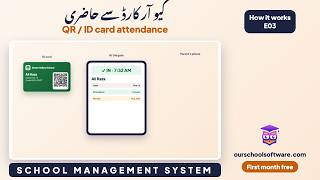
This video is 4 minutes long and shows the admin dashboard, card by card on the real screens of the software, step by step, with Urdu and English captions. It is for school owners, principals and anyone deciding how the school will work. Below are the same steps in writing, so you can follow along at your own pace or come back to a step later.
In this video
- Top of the dashboard
- Money today
- Attendance
- To-do
- Fees
- Classes & results
- Staff, admissions & more
Step by step
1. Top of the dashboard
- The dashboard: the whole school on one page. Every card opens its full report
- Change the period here: today, week, month, session or your own dates. Every card follows it
- Quick buttons: admission, attendance, fee payment… in one click
2. Staff, admissions & more
- Click any card: its full report opens
The names and numbers in the video are from a demo school and are made up.